How to Index and Search Business Research Efficiently
The Search Problem in Business Research
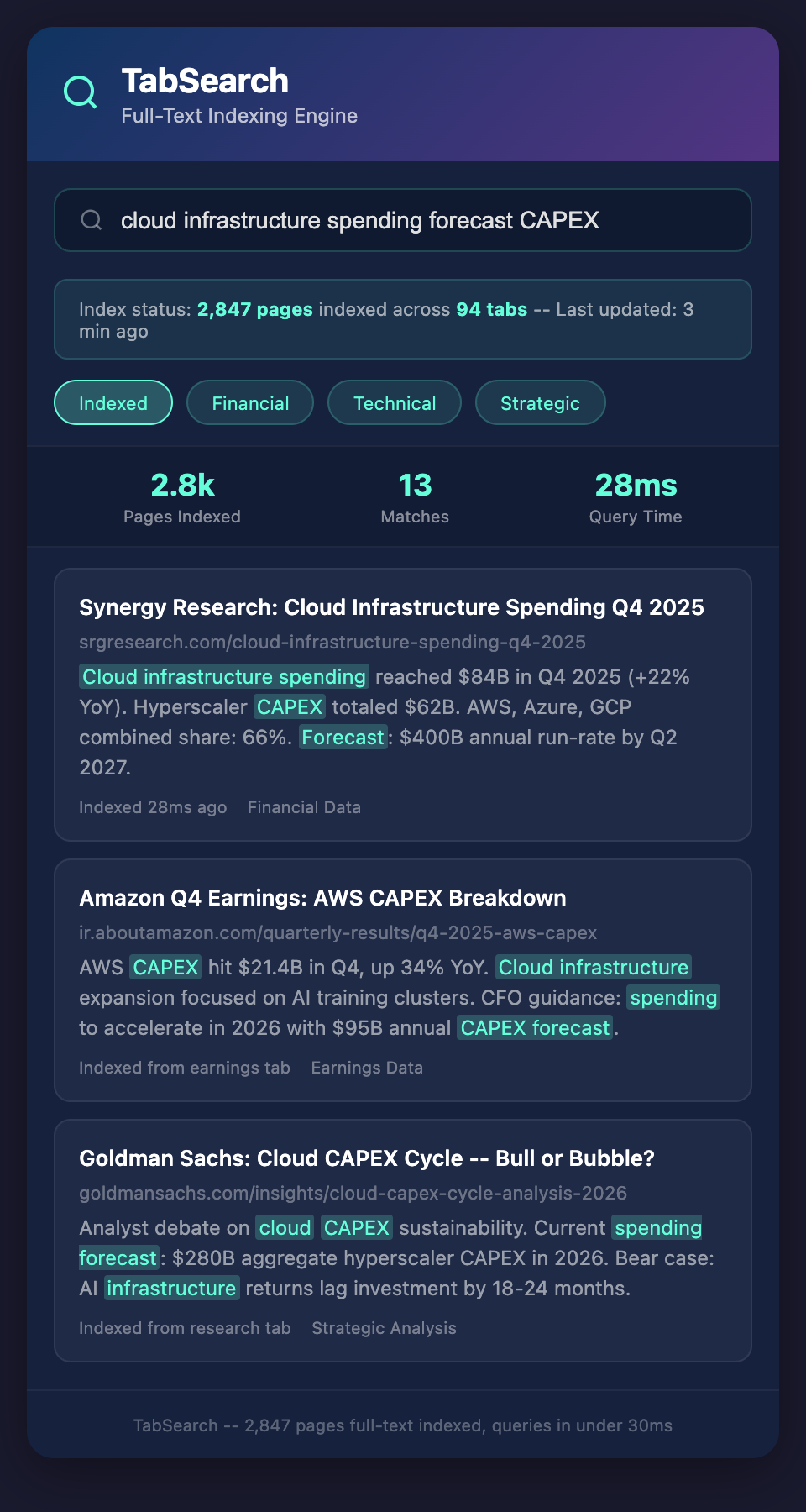
A manager searches her company's research files for "market consolidation." The system returns 847 results. Most are irrelevant—the word "consolidation" appears in contexts like "account consolidation," "vendor consolidation," or "consolidation of smaller teams."
She refines to "market consolidation trends." Better, but still 200+ results across PDFs she can't open easily, blog posts, and old email threads. Finding the five sources that actually discuss strategic market consolidation in her industry takes 30 minutes of manual review.
Meanwhile, a competitor operating with proper indexing and search finds the same five sources in 45 seconds.
The difference isn't the research—it's how it's indexed and searchable.
Why Basic Search Fails
Problem 1: Keyword Explosion
Most business research terms have multiple meanings:
"Pipeline" might mean:
-
Sales pipeline (deals in progress)
-
Product pipeline (upcoming releases)
-
Oil pipeline (industry context)
-
Data pipeline (technical infrastructure)
When you search "pipeline," you get results mixing all meanings. You either wade through irrelevant results or use multiple search attempts with different keywords, each catching different variations.
Problem 2: Synonym Gaps
Competitors discuss the same concept with different language:
-
"Expanding SMB focus" vs. "going downmarket" vs. "moving to smaller deals"
-
"Platform consolidation" vs. "ecosystem integration" vs. "one-stop-shop strategy"
-
"Pricing pressure" vs. "aggressive discounting" vs. "value compression"
A search for "pricing pressure" won't find articles discussing "aggressive discounting," even though they're discussing the same competitive dynamic.
Problem 3: Context Collapse
Consider these sentences:
"We're not losing deals to Competitor A." (They're not losing)
"We're losing deals primarily to Competitor A." (They are losing)
A basic search for "losing deals to Competitor A" would find both—with opposite meanings.
Problem 4: Temporal Confusion
When your research lacks temporal metadata, it becomes impossible to reconstruct timelines:
"Competitor A is moving upmarket."
When did you first learn this? Three months ago? Last week? Is this a recent move or something they've been signaling for six months?
Without proper indexing of publication dates and discovery dates, you lose the narrative of how strategy evolved.
Indexing for Business Research
Core Indexing Fields
Required for every source:
-
Full text: Every word should be indexed for search
-
Title: The source's title or headline
-
Publication date: When was this published? (Different from when you found it)
-
Discovery date: When did you add it to your research system?
-
Source type: Article, earnings call, customer interview, report, etc.
-
Subject: What competitor or market is this about?
-
Topics: What business areas does it touch? (pricing, product, market, hiring, partnerships, etc.)
Optional but valuable:
-
Author/Organization: Who published this? (Analyst firm, competitor, news outlet, customer)
-
Geography: What region is this about?
-
Confidence: How reliable is this source?
-
Direct quotes: Indexed separately for quick retrieval of specific statements
-
Entities: Automatically extracted mentions of competitors, customers, executives, and market segments
Entity Extraction
Modern indexing systems automatically identify and extract mentions of important entities:
Competitors: Every mention of Competitor A, Competitor B is identified
Customers: Specific customer names or customer segment types
Executives: Individual leaders and their titles
Markets/Segments: SMB, enterprise, financial services, healthcare
Technologies: Specific technologies competitors are investing in
Geographies: Specific countries or regions
Entity extraction enables search queries like "Show me all intelligence about Competitor A mentioning AI technologies" or "Find all sources mentioning both Competitor B and our customer XYZ."
Advanced Search Capabilities
Semantic Search
Beyond keyword matching, semantic search understands meaning:
Search: "competitors using AI to reduce costs"
Returns not just articles mentioning "AI" and "costs," but also articles discussing:
-
Machine learning for automation
-
Artificial intelligence for efficiency
-
Automation reducing operational expenses
-
Algorithmic cost optimization
Semantic search requires indexing not just keywords but the conceptual relationships between them.
Faceted Navigation
Instead of entering search queries, users navigate through dimensions:
By Competitor: Select which competitors to review
By Topic: Select pricing, product, market expansion, hiring
By Time Period: Last 30 days, last 90 days, last year
By Source Type: News articles, earnings calls, analyst reports, customer feedback
By Confidence: Only show high-confidence sources
Faceted search helps researchers explore what's been indexed without formulating perfect search queries.
Saved Searches and Alerts
Once a search proves valuable, save it and get alerts when new sources match:
"Alert me whenever there's new intelligence about Competitor A's pricing strategy" (updates daily)
"Alert me when we detect expansion into financial services vertical" (updates as it occurs)
"Show me all intelligence about AI strategy across competitors" (run weekly)
This transforms the system from passive search to active monitoring.
Implementing Research Indexing
Step 1: Choose Your Indexing Platform
Spreadsheet-based:
-
Pros: Easy to get started, no technical setup
-
Cons: Can't scale to large volumes; search is crude
-
Best for: Very small research operations (under 500 sources)
Database (PostgreSQL, MongoDB):
-
Pros: Scales well, powerful search with proper configuration
-
Cons: Requires technical setup
-
Best for: Medium operations (500-10k sources) with technical resources
Full-text search platforms (Elasticsearch, Meilisearch):
-
Pros: Purpose-built for search; handles synonyms, typos, complex queries
-
Cons: More complex to manage; requires infrastructure
-
Best for: Large operations (10k+ sources) where search is critical
Step 2: Index Existing Research
Don't try to index everything retroactively; it's overwhelming. Instead:
-
Index future sources only for your first month
-
Index the most recent 500 sources from existing archives
-
Index specific deep-dives when you need to analyze a topic deeply
-
Incrementally index historical sources as team capacity allows
Step 3: Implement Standard Metadata Capture
Train your team to add these fields when capturing new sources:
-
Publication date (when was it published?)
-
Source URL (for traceability)
-
Brief summary (one sentence)
-
Topics (from your standard taxonomy)
-
Confidence level (high/medium/low)
-
Key quotes (1-2 important passages)
-
Your own notes (why you saved this)
This takes 2-3 minutes per source but makes search exponentially more powerful.
Step 4: Enable Search
Set up search that's:
-
Fast: Results in under 500ms (users won't wait)
-
Flexible: Handles typos, alternative spellings, synonyms
-
Contextual: Shows matching excerpts and surrounding context
Step 5: Monitor and Refine
Track:
-
Which search queries are most common?
-
What searches return too many irrelevant results?
-
What intelligent questions can't currently be answered?
Use this data to refine your indexing strategy. Maybe you're not capturing "market segment" explicitly and should. Maybe your "topics" taxonomy is missing categories users search for.
Real-World Search Scenarios
Scenario 1: Rapid Competitive Response
Search: "Competitor A pricing announcement last 30 days"
Result: Returns one earnings call, two customer mentions, and one news article all discussing the pricing change, sorted by relevance
Time: 10 seconds
Scenario 2: Pattern Identification
Search: "Competitors hiring (sales|product) manager" AND (Q1 OR Q2)
Result: Finds all job postings from competitors in this quarter for sales or product roles, suggesting market expansion
Time: 15 seconds
Scenario 3: Historical Narrative
Search: "Competitor B" AND "upmarket" sorted by date
Result: Returns sources chronologically showing how Competitor B's upmarket shift evolved over time
Time: 20 seconds
Compare these to manual search, which would take 30+ minutes per query.
The Compounding Value of Proper Indexing
In month one, implementing proper indexing feels like setup overhead. By month two, researchers find answers 10x faster. By month three, the system has paid for itself in time savings. By month six, team members are asking questions they never thought to ask before because suddenly finding answers is easy.
The companies researching competitors faster aren't doing more research. They're searching existing research more effectively.
Join our waitlist to see how to set up research indexing that transforms scattered sources into searchable, discoverable business intelligence.