Building a Personal Research Database Without Manual Data Entry
The Personal Research Database Problem
Every researcher needs one: a centralized repository of findings, sources, and connections that grows with your work. A database where everything you've ever read is searchable, tagged, and ready to support your next project.
Most researchers never build this because the entry barrier is too high:
-
Manually entering source metadata is tedious
-
Categorizing requires deciding taxonomy upfront
-
Maintaining it requires discipline and systems
-
Tools are complex or inflexible
The result: your research knowledge stays scattered across file systems, browser bookmarks, note-taking apps, and unreliable memory.
Why Traditional Personal Knowledge Management Falls Short
Common approaches:
-
Folder systems: Scale breaks down at 100+ sources; search is difficult
-
Notion/OneNote: Flexible but require manual entry; building databases is tedious
-
Reference managers: Good for citations, poor for synthesis and discovery
-
Multiple disconnected tools: Each tool siloes different types of knowledge
None of these capture everything automatically. All require constant manual maintenance.
The Automatic Personal Database Approach
A personal research database that scales requires:
Automatic Capture of Everything
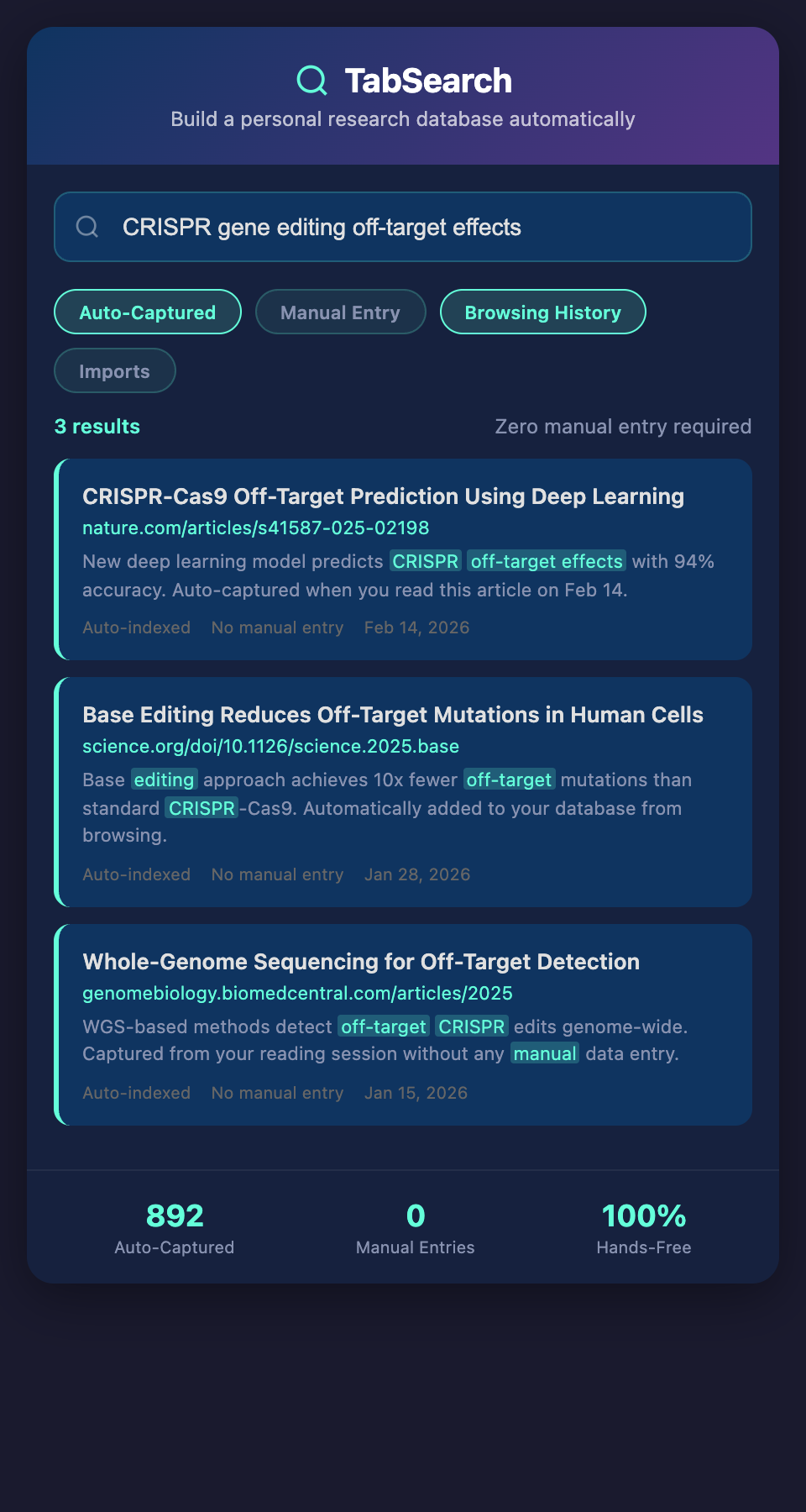
Every resource you read—articles, papers, preprints, blog posts, datasets—is automatically indexed and added to your database. No manual entry. No data loss.
Comprehensive Full-Text Search
Search across everything. Find that discussion of "epistemic justice" from six months ago without remembering which source mentioned it.
Flexible Metadata
The system tracks:
-
Publication details (author, date, source)
-
Content type (journal article, blog post, dataset, working paper)
-
Reading status (unread, skimmed, analyzed)
-
Project associations
-
Highlights and annotations
Organic Evolution
Your database grows naturally from your actual reading. Structure emerges from usage patterns rather than forced categorization.
Structuring Your Personal Research Database
Core Information
Every entry contains:
-
Source metadata: Authors, publication date, source URL, type
-
Full text: Searchable content from the source
-
Abstract or summary: Quick reference for what's included
-
Your notes: Highlights, comments, and annotations
-
Status: How deeply you've engaged with the source
Project Associations
Tag sources as belonging to current projects. This creates lightweight organization—sources can move between projects as your work evolves.
Connection Links
Over time, the database contains your own connections between sources. When searching, see related sources that discuss the same topics.
Export Readiness
When you write, export findings, citations, and quoted passages directly from your database. No manual reformatting.
Building Your Database in Stages
Phase 1: Automatic Capture (Weeks 1-2)
Enable automatic indexing. Stop worrying about how you'll capture sources. Read normally; everything gets indexed automatically.
Phase 2: Search Exploration (Weeks 3-4)
Practice finding sources by searching. Build intuition for how to formulate searches. Notice what searches return useful results.
Phase 3: Annotation Integration (Weeks 5-6)
Add highlights and notes to important sources. See how annotations improve search results and facilitate synthesis.
Phase 4: Project Organization (Weeks 7-8)
Begin associating sources with active projects. Start using the database to support active research.
Phase 5: Synthesis and Writing (Weeks 9+)
Use the database to support writing and synthesis. Search for specific topics, review findings, export citations.
Real-World Example: Building a Cognitive Science Research Database
A cognitive scientist building expertise in memory consolidation:
-
Opens papers from neuroscience journals, psychology databases, preprint servers
-
System automatically captures all sources with full text
-
Searches across database for "memory consolidation during sleep" and finds 40+ relevant results
-
Reads the most recent papers, highlighting key findings
-
Searches for contradictions: "memory consolidation sleep limitations OR failures"
-
Discovers a gap: most studies use rodent models; human consolidation research is limited
-
Searches for related topics: "human sleep neurobiology," "individual differences sleep"
-
Connects findings across sources using database links
-
Exports database results as bibliography for next research proposal
Building the database took no additional time—it accumulated naturally from reading.
Expected Results
Researchers who build personal research databases report:
-
Better research quality: Synthesis is built on comprehensive source review
-
Faster future research: Need to answer a question? Search your database first
-
Stronger connections: See patterns and contradictions across your entire reading
-
Reduced duplication: Never rework research; your database prevents it
-
Competitive advantage: Deeper understanding of your field than peers
Making It Sustainable
The only way a personal research database remains useful is if maintaining it requires zero additional effort. The system must capture automatically, index comprehensively, and stay synchronized with your actual reading.
Anything less becomes another task competing for your attention—and another tool that eventually gathers dust.
Start building your personal research database today. Join the waitlist for a platform that indexes everything you read automatically, turns your browser into a searchable research repository, and eliminates manual data entry.