Privacy-First Research Management for Sensitive and Confidential Studies
Why Privacy Matters in Academic Research
Research confidence depends on privacy. If you're conducting sensitive research—preliminary findings before publication, confidential grant applications, studies with human subjects, proprietary methods—you need to know your research stays private.
Many research management tools offer cloud-based solutions that feel convenient: sync across devices, backup automatically, accessible anywhere. But convenience comes at a cost: your research lives on someone else's servers, accessed through someone else's security infrastructure, subject to someone else's terms of service.
For sensitive research, this creates an unacceptable risk.
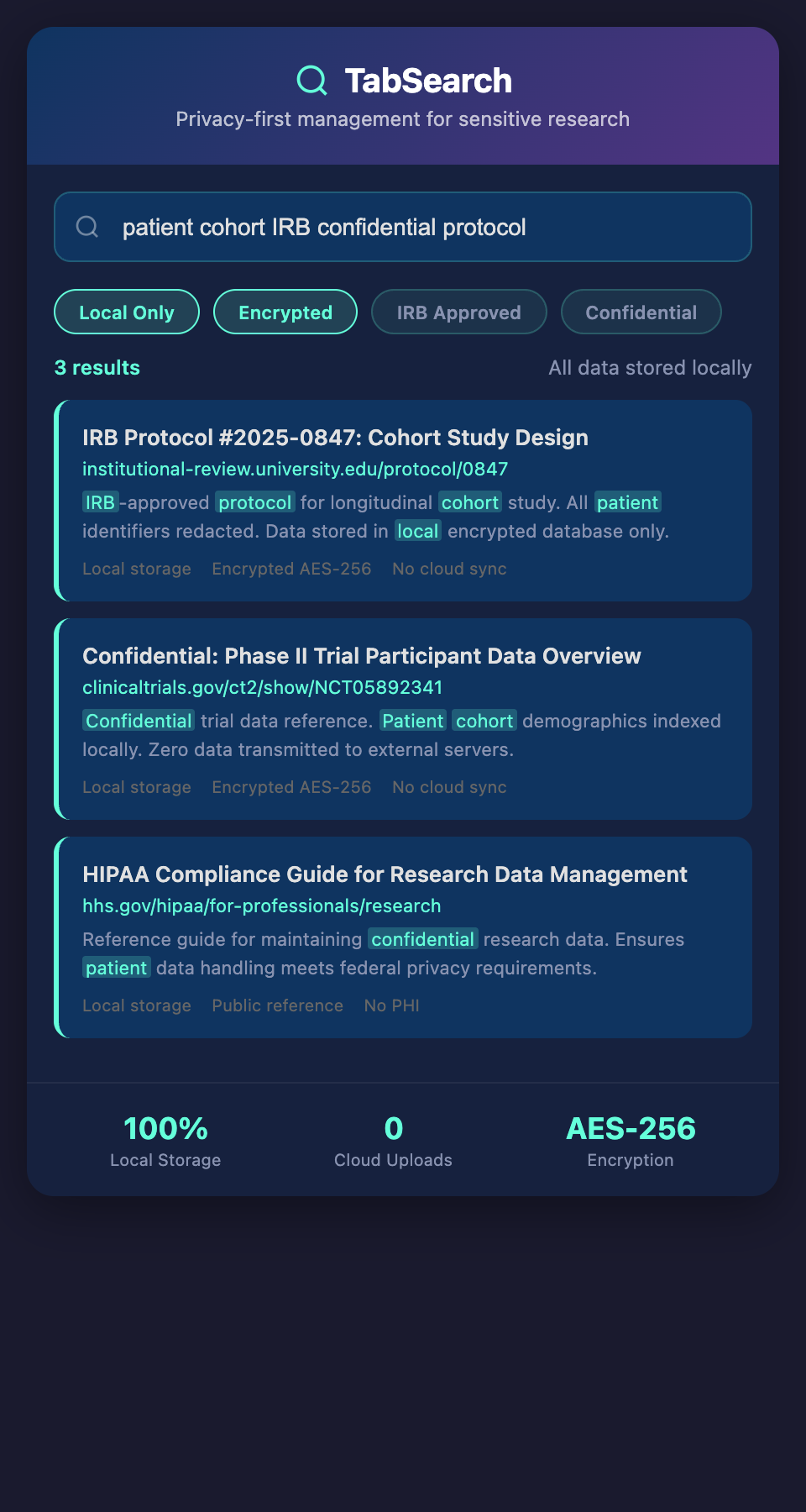
Privacy Risks in Cloud-Based Systems
Institutional Access
Cloud providers have access to your data "for maintenance and security purposes." What does that mean in practice? It means your research could be scanned algorithmically, analyzed by the provider's security teams, or potentially shared with law enforcement if legally compelled.
You might be comfortable with Dropbox reading your budget spreadsheets. You shouldn't be comfortable with your research living there.
Breach Risks
Every cloud system is a target. Breaches happen to major, well-resourced companies regularly. Your research data on a cloud service is vastly more likely to be exposed than data on your own computer.
Business Model Exposure
Free and freemium tools monetize through data. What does that actually mean for your research data? Even if there's no explicit "we sell data" statement, algorithmic analysis of your research for advertising purposes happens.
Terms of Service Changes
Companies change their privacy policies and terms of service. Today's privacy commitment might become tomorrow's data monetization. Once you've built a research database on a platform, switching is painful.
Jurisdiction and Law
Your research might be subject to legal demands in jurisdictions you never agreed to. If your research system is hosted in a country with weak privacy law, your research might be legally accessible to that government.
Building a Private Research System
The most secure approach is controlling your own research infrastructure.
Self-Hosted Databases
Rather than trusting cloud providers, host your research database on your own server or computer:
Advantages:
-
Complete control over physical security
-
No third-party access to your data
-
No risk of terms of service changes
-
Transparent security (you know what protections exist)
-
No cloud bandwidth costs
Challenges:
-
You're responsible for backups (but automated backups are straightforward)
-
You need to maintain the system (but maintenance is minimal for modern self-hosted databases)
-
Accessing across multiple devices requires your own sync setup or VPN (more work, but more private)
Local-First Architecture
The most practical approach for privacy-conscious researchers is local-first: your research database lives on your computer, and any syncing is optional and encrypted.
How this works:
-
Your research system runs on your local machine
-
All searching and indexing happens locally (no data leaves your computer)
-
If you want to sync across your laptop and desktop, it happens encrypted (only you hold the decryption key)
-
Backups happen to encrypted external drives or encrypted cloud storage
This gives you the convenience of modern systems without the privacy risks.
Practical Privacy Implementation
Encryption at Rest
Your research database should be encrypted on disk. Even if someone physically accesses your hard drive, the data is unreadable without your encryption key.
Modern operating systems support full-disk encryption:
-
Windows: BitLocker
-
macOS: FileVault
-
Linux: LUKS encryption
Beyond OS-level encryption, your research application should independently encrypt sensitive fields.
Encryption in Transit
If your research system syncs data anywhere (even to your own backup drive), transmission should be encrypted:
-
Use TLS for any network transmission
-
Use authenticated encryption (not just confidentiality—ensure data hasn't been modified)
-
Verify SSL certificates to prevent man-in-the-middle attacks
Access Control
If you share your computer with other people, your research should be:
-
Protected by a strong password/passphrase
-
Locked when you step away
-
Only accessible by your user account
Secure Deletion
When you delete research data, it should be unrecoverable. Standard deletion just marks space as available—recovery tools can restore deleted data. Secure deletion overwrites the space with random data multiple times, making recovery impossible.
Backup Strategy
Private research systems need robust backups without compromising privacy:
Encrypted backups: If backing up to cloud storage, encrypt locally before uploading (client-side encryption).
Offline backups: Keep encrypted external drives with research backups in a secure location. These provide protection against ransomware and service interruptions.
Version control: Maintain backup versions so you can recover from accidental deletion or corruption.
3-2-1 backup rule: Keep 3 copies of your data, on 2 different media, with 1 copy offsite. For research:
-
Copy 1: Your primary research system
-
Copy 2: Encrypted external drive
-
Copy 3: Encrypted external drive stored offsite
Key Management
Your encryption keys are your most valuable security asset. If you lose them, encrypted data is unrecoverable. If someone obtains them, encryption is worthless.
Key management best practices:
-
Use a password manager to store encryption passphrases
-
Use strong, random passphrases (40+ characters)
-
Don't write passphrases down
-
Don't use personal information in passphrases
-
Back up your password manager securely
-
Test recovery procedures (can you restore from backups using your passphrase?)
Privacy Requirements by Research Type
Different research contexts have different privacy requirements:
Unpublished Findings
Research before publication needs privacy because early findings can be wrong. Publishing preliminary results damages your credibility. Early-stage results should never be visible to competitors or the public.
Privacy requirements:
-
Complete confidentiality until publication
-
No cloud backups without encryption
-
Limited access even within research groups (typically just core team)
Human Subject Research
Studies involving human subjects have legal privacy obligations under ethics boards and data protection regulations (GDPR, HIPAA, etc.).
Privacy requirements:
-
De-identification (subjects' identifying information removed)
-
Restricted access (only researchers who need the data)
-
Audit trails (knowing who accessed data and when)
-
Secure deletion protocols
-
Encryption for all data transmission
Proprietary Methods
Research developing proprietary methods or tools before patenting needs privacy to maintain trade secret status.
Privacy requirements:
-
Complete confidentiality
-
Restricted to inventors and essential team members
-
No public disclosure without patent filing
-
Secure audit trails
Grant Applications
Confidential grant applications during review periods need privacy—revealing your proposed research to competitors weakens your competitiveness.
Privacy requirements:
-
Confidentiality during application and review
-
Limited access to applicants and essential evaluators
-
Secure deletion after review period (unless awarded)
Technical Architecture for Privacy
A privacy-focused research system architecture looks like:
Local database: Your research database runs locally (PostgreSQL, SQLite, etc.) with full-text indexing enabled.
Encryption layer: All research data encrypted at rest using application-level encryption before hitting disk.
Sync mechanism (optional): If syncing to another device, encryption happens before transmission, with client-side decryption only.
Backup integration: Automated encrypted backups to external drives, with recovery testing.
Access control: Password-protected application launch, with session timeouts for security.
This architecture keeps your research completely private while providing the functionality of cloud systems.
When Privacy Isn't Enough: Data Protection Regulation
Different jurisdictions have data protection laws that apply even to your personal research:
GDPR (Europe)
If your research includes any data about European residents, GDPR applies. You need:
-
Explicit consent from research subjects
-
Right to deletion (subjects can demand their data be removed)
-
Data protection impact assessments
-
Breach notification requirements
HIPAA (United States)
If your research involves healthcare data, HIPAA applies. You need:
-
De-identification of health information
-
Business associate agreements
-
Audit trails
-
Encryption
State Privacy Laws
California (CCPA), Virginia (VCDPA), and other states have their own privacy regulations similar to GDPR.
Even if your research system is private, regulatory compliance might be required.
Practical Privacy Workflow
Here's how privacy-conscious researchers implement private research systems:
Setup:
-
Install research application on local computer
-
Set up encrypted external backup drives
-
Configure password manager with strong application password
-
Set automatic backups (encrypted) to external drives
Daily use:
-
Research system runs locally, no cloud sync
-
All searching and indexing happens on your computer
-
Backups happen automatically to encrypted external drives
For multi-device access:
-
Set up secure VPN if you need remote access
-
Or use application-native encryption for selective sync
-
Or maintain separate local databases on each device with manual file sync over encrypted channel
Offsite security:
-
Keep one encrypted backup drive in a secure physical location
-
Test recovery annually to ensure backups work
-
Update backups regularly
When Private Systems Become Impractical
Private systems have trade-offs. Acknowledge these honestly:
Complexity: Private systems require more setup and maintenance than cloud solutions.
Accessibility: Accessing research from multiple locations requires more work (VPN, local sync, etc.).
Disaster recovery: Cloud backups have geographic redundancy; your backups don't (though offsite physical backups help).
Collaboration: Sharing private research with colleagues requires more setup (encrypted file sharing, VPN access, etc.).
For research that truly requires privacy, these trade-offs are worth it. For less sensitive work, cloud solutions are simpler.
Hybrid Approaches
Many researchers use hybrid approaches:
-
Local for sensitive: Private research system for confidential work
-
Cloud for sharing: Shared project repositories for collaborative, non-sensitive work
-
Dual systems: One system for private research, another for collaborative work
This lets you get privacy where it matters without the overhead of private systems for everything.
Compliance and Documentation
Private research systems should include documentation:
-
What privacy protections are in place
-
How backups work
-
How encryption is implemented
-
How access is controlled
-
How breaches would be detected and responded to
This documentation is valuable for regulatory compliance and for peace of mind.
Building Your Privacy-First System
Start by assessing your research:
-
What research truly requires privacy?
-
What regulations apply to your research?
-
What's your risk tolerance if data became public?
For sensitive research, the investment in a private system is worth the effort.
Ready to manage your sensitive research with complete privacy? Join our waitlist for a research system that runs entirely on your computer, keeping all your data private and secure.