Managing Multiple Documentation Tabs Without Losing Reference Materials
The Documentation Tab Chaos
Open your browser right now. How many tabs do you have open? For most developers, it's a mix of framework docs, API references, StackOverflow answers, MDN pages, and implementation guides. You opened them because you needed them. But as your tab count grows, finding a specific piece of documentation becomes harder than the original search.
You remember there was a page about "how to handle errors in async/await" that you found two days ago. Was it an MDN article? A blog post? Where in your 30+ tabs is it? You end up re-searching and re-opening the same page, wasting 10 minutes that could have been 10 seconds.
This is the documentation tab crisis. Developers maintain dozens of open reference materials but have no way to organize or search them.
Why Bookmarking Doesn't Work
You might think: "Just bookmark it." Bookmarking solves nothing because:
Bookmarking is intentional, not passive. You have to remember to bookmark something while you're in the middle of solving a problem. Most developers don't. They open the page, use it, and move on.
Bookmarks are scattered. Over time, you accumulate hundreds of bookmarks in nested folders that are hard to navigate. Finding the bookmark takes as long as re-searching.
Bookmark folders become dumping grounds. You end up with a "Misc" or "JavaScript" folder with 200+ items. Searching that is like searching your browser history.
No context preservation. The bookmark tells you the URL and title, but not why you saved it or what specific problem it solved for you.
The Real Cost of Disorganized Documentation
Let's quantify what this costs you:
Research duplication. You search for "how to validate email in JavaScript" three times over six months because you can't find the pages you already visited. That's three searches × 10 minutes = 30 minutes per problem type. Scale that across 20 different recurring questions, and you've wasted 10 hours per year just re-searching.
Context switching. When you have 30+ tabs open, you can't focus. Each time you switch between tabs looking for the right reference, your brain context-switches. It takes 15+ minutes to regain full focus on your work. A disorganized tab bar costs you hours of productivity per week.
Decision inconsistency. You don't remember what you learned from that documentation you read last week, so you solve problems inconsistently across your codebase. You use different error-handling patterns in different modules because you didn't have access to your previous decisions.
Lost learning. Documentation you read and found valuable gets lost. You never build on that knowledge because you can't retrieve it.
Building a Searchable Documentation Archive
Instead of relying on active management (bookmarking, folder organization, tab naming), you need passive indexing:
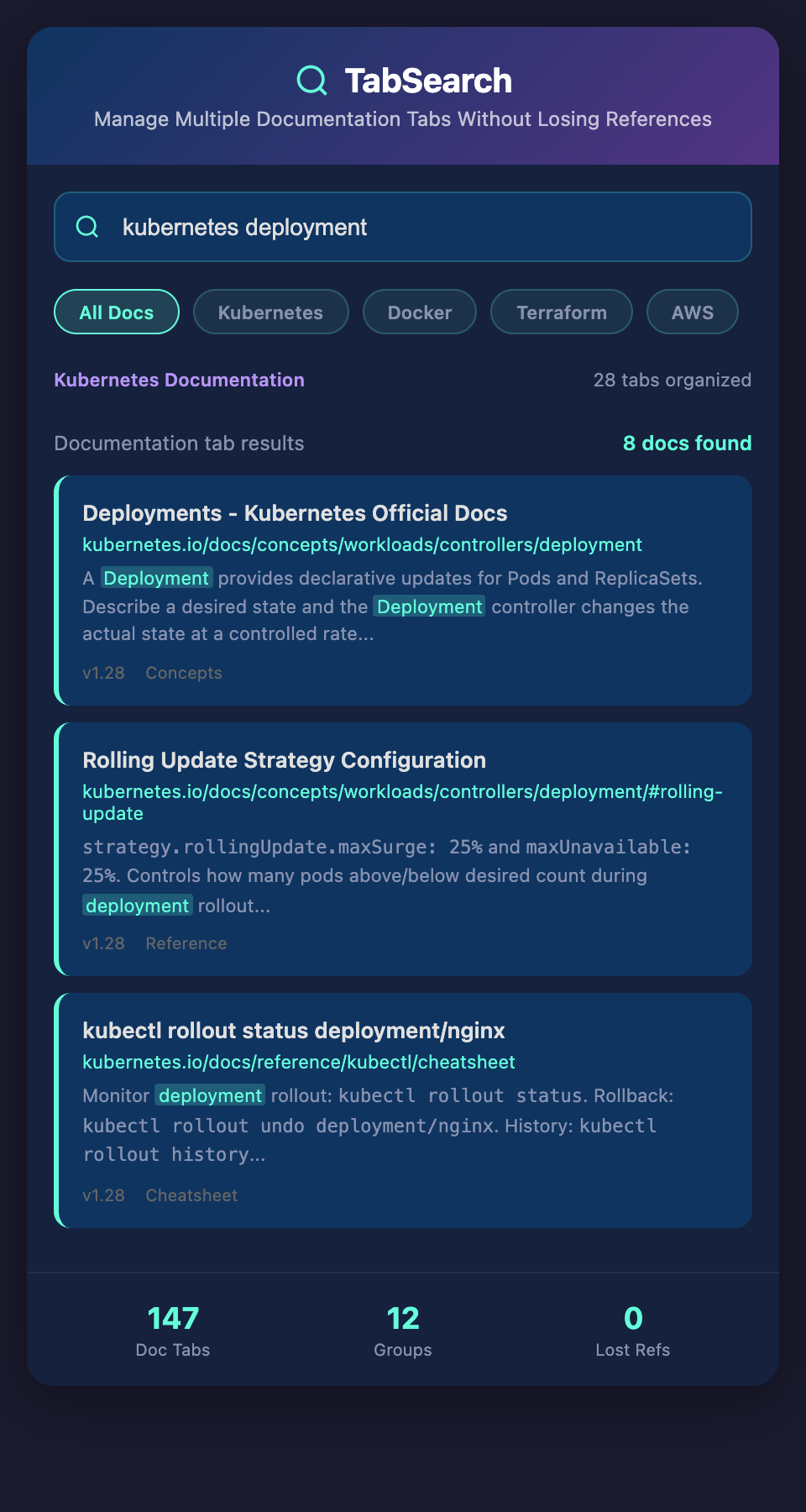
Automatic capture. Every documentation page you visit gets captured and indexed automatically. No effort required from you.
Full-text search. Search across all documentation you've ever researched by actual content, not just domain names or titles.
Fast retrieval. When you're solving a problem, instantly see every relevant piece of documentation you've already researched.
Context preservation. When you surface an old documentation page, you remember the context of why you found it and what you learned.
Practical Workflow: Before vs. After
Before: You're building a feature that needs email validation. You search "email validation javascript" for the third time this year. You find the same MDN article and the same regex solution. You spend 10 minutes re-reading it and re-implementing. You also find that blog post again that explains the pitfalls. 20 minutes total.
After: You're building the feature. You search your documentation archive for "email validation." Instantly, you see the three documentation pages you've researched, the regex you decided on, and the notes you took about which solutions have edge-case failures. 2 minutes. You also see the two variations you've tried in different projects, so you pick the most robust one.
Compound effect: Over a year, if you look up 50 different documentation topics, you save 15 hours of re-research. Over a career, it's hundreds of hours.
Different Documentation, Same Problem
This gets more powerful across framework and language switches:
You're switching from React to Vue. You've researched both extensively over the years. Instead of starting from scratch with Vue docs, your archive shows you every Vue documentation page you've ever found, compared side-by-side with analogous React concepts you've already learned.
You're learning a new language but you've built several projects already. Your archive captures all your learning journey. When you're stuck on a concept in the new language, you can search for the analogous pattern you already solved in previous languages.
The Asymmetric Advantage
Senior developers perform better partly because they've internalized documentation. They've read it so many times that they don't need to search anymore. Junior developers can accelerate toward that level faster by building a searchable archive of documentation they've researched and making it instantly retrievable.
Your documentation archive becomes your personal reference library. Not just a list of bookmarks, but an intelligent system that helps you remember, retrieve, and apply everything you've learned.
Join the waitlist to organize your research. Stop drowning in browser tabs. Get instant access to every documentation page you've ever researched with full-text search and smart retrieval. We're launching soon for developers who want to build a searchable knowledge base of their learning.