Managing Research Tabs During Development Sprints
The Sprint Context Switching Problem
A sprint is a focused period where you're implementing features under time pressure. But every feature requires research. You're implementing a payment flow and need to understand how webhooks work. You need to learn the payment provider's retry logic. You need examples of error handling patterns. Suddenly, you're managing two processes simultaneously: implementing the feature and researching how to implement it correctly.
The research feels like overhead. The feature needs to be done by Friday, and you're spending time reading documentation instead of writing code. But skipping the research means implementing incorrectly, which means bugs in production, which is worse than slower development.
The challenge is managing research tabs efficiently when every minute of sprint time matters. You can't afford to waste time hunting for information you've already researched.
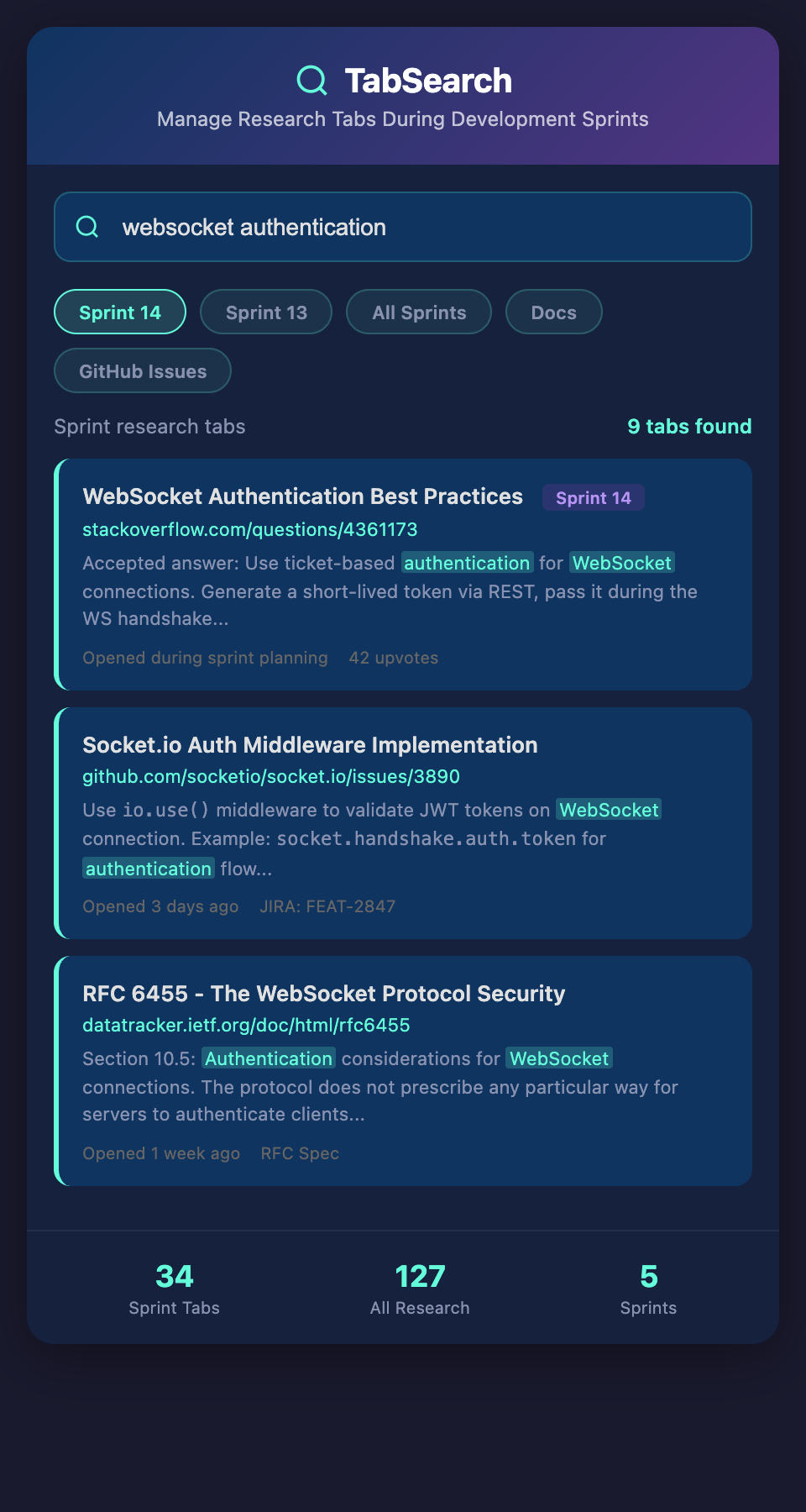
The Sprint Research Chaos
During active development, your browser typically looks like this:
-
Main feature documentation (the thing you're building)
-
Supporting documentation (dependencies, libraries, APIs)
-
Example code (similar implementations to reference)
-
Error messages you've googled (debugging current problems)
-
Unrelated tabs from yesterday (forgotten, but still there)
-
Social media/notification tabs (context switches)
Each of these serves a purpose, but they're scattered. When you need to find the webhook retry documentation you read yesterday, you're hunting through tabs.
Worse: at the end of the sprint, you close all these tabs and lose the research. Next sprint, when you need to handle a payment edge case, you don't have the webhook retry docs anymore. You have to re-research.
Why Typical Tab Management Fails in Sprints
Browser Groups Don't Persist
Some browsers allow tab groups (Chrome tab groups, Firefox tab grouping). You can organize by purpose: "Payment Feature," "Error Handling," "Debugging." This helps immediately but is temporary. Close the tab group, and it's gone. Next sprint, you have to rebuild it.
Bookmarks Are Too Slow
Adding a bookmark requires stopping implementation, opening bookmarks, finding the folder, adding the page. During a sprint with deadline pressure, this overhead feels unaffordable.
Reading Lists Accumulate
Pocket and similar services accumulate reading material, but you never review them systematically. After a sprint, your reading list has 40 articles from this week's research, and you never revisit them. Next sprint, different feature, different articles, and your old research is buried.
Search Within History Is Too Slow
When you need information from yesterday, searching browser history by keywords takes time. You remember "something about retry logic" but have to search "retry" and scan through dozens of results.
Effective Sprint Research Management
The Sprint Research Document
At the start of a sprint, create a sprint-specific research document:
# Sprint 2026-03-XX: Payment Integration

## Feature Requirements

- Support one-time and recurring charges

- Handle webhook events from payment provider

- Implement retry logic for failed transactions

- Store payment method securely

## Research Needed

- [ ] Payment provider webhook retry policy

- [ ] Webhook security validation (signatures)

- [ ] Payment state machine (pending, completed, failed, refunded)

- [ ] Error scenarios (invalid card, 3D Secure, etc.)

- [ ] PCI compliance basics (what can we store)

## Research Completed

### Webhook Retry Logic

Source: [Payment Docs Webhook Section](link)

- Initial attempt + 5 retries = 6 attempts total

- Intervals: 1m, 5m, 30m, 2h, 5h, 10h

- Must respond with 200-299 within 5 seconds

- Stored for reference: /docs/webhook-retry-notes.md

### Payment State Machine

Source: [Stripe Docs State Transitions](link)

States: created → processing → succeeded/failed

Key insight: Check specific status for each state, not just final status

This document becomes your research agenda. As you complete research, you record what you learned and where to find it. By sprint end, you have a documented research trail.

**Advantage**: You know what research you've done. You have references you can hand off to teammates.

**Disadvantage**: Requires discipline to maintain during active coding.

### The "Reference Tab Per Topic" Pattern

For each major topic you're researching, keep one tab open per topic area:

- `[Payment API] Main Docs` (pinned)

- `[Payment API] Webhook Handling` (pinned)

- `[Examples] Payment Integration (similar project)`

- `[Errors] Debugging current issue`

Unrelated tabs get closed immediately. Your bar shows only relevant tabs, making navigation faster.

### The Implementation Checkpoint

Every 2 hours during development, checkpoint what you've learned:

```markdown

## 2026-03-10 14:00 Checkpoint

### Implemented

- Payment creation endpoint

- Basic error handling

### Learned

- Webhooks need signature validation (HMAC-SHA256)

- Retry logic applies to webhook delivery, not our code

### Next Research Needed

- How to store webhook events for replay

- Idempotency key pattern for payment endpoint

At day's end, you have a record of what you learned, which guides next-day research.

### The "Sprint Artifacts" Folder

At the end of a sprint, instead of closing tabs and losing research, save them:

sprint-2026-03-payment/

  payment-api-notes.md

  webhook-design.md

  error-scenarios.md

  code-examples/

    payment-creation.js

    webhook-handler.js

Next sprint, when you need to implement refunds, you have your previous payment research organized and searchable.

## The Real Sprint Problem: Context Switching Cost

The deepest issue is context switching. You're implementing a feature (requires focus), but you have to interrupt for research (requires different brain mode). Every context switch costs focus. The best research management system is one that *minimizes* research interruptions during active implementation.

This suggests a two-phase sprint:

**Phase 1: Research (Day 1)**

Open all documentation, read thoroughly, take notes, close tabs. Do all research upfront.

**Phase 2: Implementation (Days 2-5)**

Minimize tabs. Keep only working references open. Research is done; now build.

In practice, this doesn't work perfectly—you always discover edge cases requiring research. But the principle is valuable: batch research when possible, minimize context switching during implementation.

## Building a Sprint Research System

1. **Create a sprint research document** at the start

2. **Track research completed** vs. research needed

3. **Maintain one tab per major topic area**

4. **Checkpoint your learning every 2 hours**

5. **Archive sprint artifacts** at the end

6. **Reference previous sprint artifacts** when researching similar work

Over multiple sprints, you build a personal knowledge base. You spend less time re-researching because you have documented artifacts from previous work.

## The Searchable Sprint Archive

What would truly solve sprint research chaos is being able to search across all your sprint artifacts. Search "webhook retry policy" and find the notes from three different sprints where you handled webhooks. Search "payment error handling" and see the patterns you've discovered across multiple payments implementations.

This would make knowledge accumulate rather than scatter. Each sprint teaches you something; each sprint's knowledge would be available for the next sprint.

## During Your Next Sprint

1. **Create a sprint research document**

2. **Record what you research** as you go

3. **Keep only relevant tabs open**

4. **Archive notes and examples** at sprint end

5. **Review past sprint artifacts** before starting similar work

The goal isn't perfect research management—it's reducing the friction that makes research feel like sprint overhead. When research is organized, documented, and referenceable, it's an asset instead of chaos.

**Ready to stop re-researching the same topics each sprint?** Join developers building cumulative knowledge from past sprints. Add your email to our waitlist for early access to searchable sprint research archives.