Organizing Browser Tabs for API Reference Research
The API Reference Challenge
API development demands constant reference consultation. You're implementing Stripe payment integration, so you have the Stripe API open. You realize you need to understand webhook retry logic, so that's another tab. You want to see how exponential backoff works, so you open your own company's internal API docs. Then you need to check the HTTP status codes, date formatting requirements, and timezone handling conventions. Five minutes in, you have 12 tabs, and you're scrolling through each one to find the specific field definition you need.
This isn't poor tab management—it's the natural consequence of modern API complexity. Each API has dozens of endpoints, hundreds of parameters, and intricate interaction patterns. No single API is self-contained. You reference multiple APIs simultaneously during almost every substantial feature implementation.
Why API References Are Tab Multipliers
APIs breed tabs for specific reasons:
Shallow search within documentation: Most API docs search within their own site only. If you need to understand how Stripe's idempotency_key works in theory, you can't search across Stripe docs, REST conventions, and distributed systems knowledge simultaneously. So you open more tabs.
Cross-API patterns: Modern development means orchestrating multiple services. You're building middleware that transforms Shopify data into your internal format to send to a CRM API. You need all three APIs open for reference.
Parameter complexity: A single endpoint might have 50 optional parameters. You open the endpoint documentation, then open a second tab to reference examples, then a third to see the response schema. One API endpoint becomes three tabs.
Interdependent decisions: You're designing your webhook handler and need to understand: what does the payment API send, how quickly does it retry, what's the timeout, and what should your handler do? Each question requires a different part of the API docs, often in different tabs.
The Research Loop Problem
During API research, you enter a specific loop:
-
Scan the docs quickly to find the section name
-
Open the section in a new tab (because you might need to compare endpoints)
-
Skim the content to find the specific parameter/field
-
Realize you don't understand the context, so open the overview
-
The overview references another endpoint, so open that
-
You want to see working examples, so find the examples section
-
The examples reference error codes, so find the error reference
One research question becomes four tabs before you even start implementing.
Effective API Tab Organization
Structural Tagging
Use consistent naming to indicate what each tab contains:
-
[Stripe API] Payments Endpoint -
[Stripe API] Error Codes Reference -
[Stripe API] Webhook Events -
[Internal API] Idempotency Patterns
Use prefixes to group tabs by API and allow your brain to mentally cluster them.
The "Tab Hierarchy" Approach
Designate one tab as your "primary" API reference for the feature you're implementing. This is where you spend 70% of your time. Keep it pinned or visible. Secondary tabs (related APIs, examples, error references) are kept organized but not pinned.
As you implement, mark subtasks and keep the primary tab open to the exact section you're working through. When you need reference material, use secondary tabs without losing your place in the primary one.
Snippet Collection
Keep a code editor window (or dedicated note-taking app) open alongside your API tabs. As you discover important patterns, copy them immediately:
// Stripe - Idempotency Keys

// Every request should include X-Idempotency-Key header

// Server returns same response for duplicate requests with same key

// Key can be anything (UUID recommended), uniqueness scope is per account

// Shopify - Webhook retry policy

// Initial attempt + 5 retries = 6 attempts total

// Intervals: 1min, 5min, 30min, 2hr, 5hr, 10hr

// Must respond with 200-299 status or 422 within 5 seconds

This serves three purposes: it's your reference while building, it captures the pattern in a searchable format, and it becomes shareable documentation for your team.

### The Problem Document

Before deep API integration work, write a "API requirements" document:

```markdown

## Stripe Integration Requirements

### Key Constraints

- Max ~100 concurrent requests per second (rate limit)

- Webhook delivery guaranteed at-least-once (duplicates possible)

- Idempotency keys required for payment creation (how to generate?)

### Key Decisions Needed

- How do we generate idempotency keys? (UUID? MD5 hash of order?)

- How do we handle webhook duplicates? (Deduplication in code?)

- How do we store webhook events? (For replay capability?)

### Test Scenarios

- Network failure before response received

- Webhook delivery during service restart

- Rate limiting during batch payment processing

This document drives your API research with specific questions, reducing random tab opening and keeping you focused.

## The Search and Index Limitation

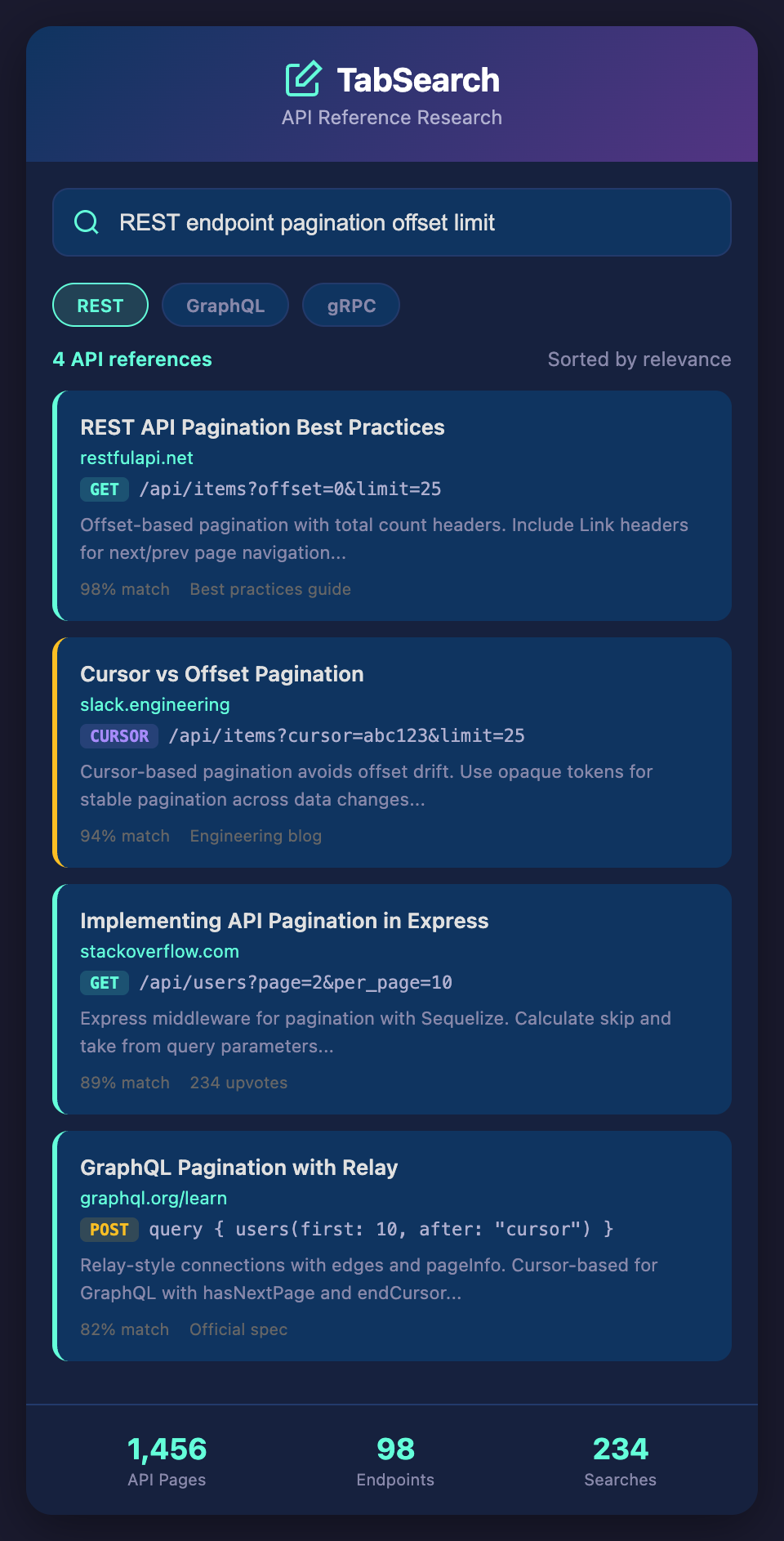
The core limitation of manual API tab organization is that it doesn't scale. You can name tabs consistently, maintain a snippet file, and document requirements. But you can't *search* across five APIs simultaneously. If you need to understand "idempotency" and it's discussed in Stripe docs, AWS docs, and your internal API specification, you have to manually open each one and search within.

What if you could open five API references and search across all of them simultaneously? Type "webhook retry policy" and see the exact sections from Stripe, Shopify, and your internal API that discuss it, all in one interface. Type "rate limiting" and see how each API handles it.

## Building an API Research System

Start by consolidating: identify the top 3-5 APIs you reference constantly in your work. Create a shared team document listing every endpoint across those APIs with one-line descriptions. This becomes your index before you open tabs.

As you work, maintain your snippet collection consistently. Make it searchable (use Ctrl+F effectively in your editor).

Then consider: how much time would you save if you could search across all open API documentation instead of manually switching tabs? How many tabs would you avoid opening if you could see related information across APIs connected automatically?

The next evolution in developer tools makes API research searchable, not just browsable.

**Ready to eliminate API reference tab chaos?** Join developers who've replaced endless tab switching with instant cross-API search. Add your email to our waitlist for early access to the better way to research APIs.